



SS777 Deposit: Methods, Limits and Smarter Choices
Deposit at SS777 is not just about entering an amount and tapping confirm. The cashier combines payment channels, limits, and promotion choices, so users should compare the live options, match the method to the amount, and verify the payment destination before sending funds.
SS777 Deposit Amounts, Channels and Live Limits
When you open Deposit at SS777, the first useful detail is the amount range shown directly in the cashier. The current screen displays a minimum of ₱20 and a maximum of ₱50,000 for the active online Deposit flow.
That range gives you a starting point, not a reason to assume every payment channel accepts every amount inside it. Deposit channels can have their own processing limits, temporary availability, or instructions after selection. The number shown in the main amount box should therefore be checked together with the payment method you intend to use.
The current Deposit screen separates two routes:
- Online deposit
- Cryptocurrency
Under Online deposit, available choices include:
- GCASH-1
- GCASH
- PAYMAYA
- bank
- VC-YS-H5
- PayGrid-H5
- gcash
Seeing both GCASH-1, GCASH, and another lowercase gcash option may look repetitive, but they should not automatically be treated as identical. Different buttons can lead through different payment processors or channel configurations.
A practical rule works better than memorizing a payment list:
Use the Deposit options currently displayed in your account, then follow the payment details generated for that specific transaction.
Payment routes can change. A wallet or bank channel available today may disappear temporarily, return later, or be replaced by another route. The live Deposit screen is therefore more useful than an old screenshot, saved QR code, or recipient account from a previous payment.
How to Make a Deposit at SS777
A good Deposit routine has a few more checks than simply choosing a wallet and sending money.
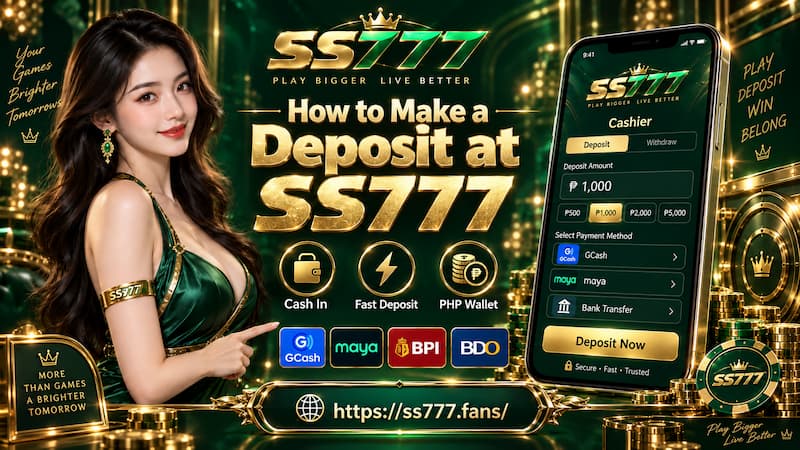
How to Make a Deposit at SS777
1. Enter the Deposit Amount
Start by entering the amount you actually intend to add.
For example, if you want to Deposit ₱500, enter ₱500 first rather than selecting random payment buttons to see where they lead. The cashier may adjust available channels or promotion options according to the amount.
Before moving on, check:
- The amount contains no extra zero.
- It falls inside the currently displayed Deposit range.
- You are comfortable depositing that amount without relying on a bonus to make the transaction worthwhile.
A promotion can make a Deposit more attractive, but it should not determine the amount before you understand its conditions.
2. Choose the Payment Channel
After entering the amount, compare the channels that remain available.
If both GCASH-1 and GCASH appear, choose one and read the next payment screen carefully. Do not assume the recipient details, limits, or process will be the same simply because both carry the GCash name.
The same principle applies to PAYMAYA, bank, VC-YS-H5, and PayGrid-H5.
Check the details generated after selection before transferring anything. If you back out and start a new Deposit, verify the recipient again rather than relying on information from the earlier attempt.
3. Follow the Generated Payment Instructions
Once the channel creates a QR code, bank destination, wallet information, reference number, or another payment instruction, compare it with what appears in your payment app.
Pay particular attention to:
- Deposit amount
- Recipient information
- Payment reference
- QR code or wallet destination
- Any fee displayed before confirmation
This takes only a few seconds and catches the mistakes that are hardest to fix after funds have already been sent.
4. Confirm the Balance
After completing payment, return to the account balance and check whether the Deposit has been credited.
Keep the receipt or transaction reference until the balance reflects the correct amount. A successful payment inside GCash, Maya, or a banking app confirms that money left your payment account; it does not by itself confirm that the Deposit has already reached your casino balance.
Choosing the Right Deposit Method
There is no single Deposit method that is automatically best for every transaction. The useful comparison is between the amount you want to send, the channel currently available, and the instructions presented after selection.
GCash and E-Wallet Channels
For users who already rely on GCash and digital payments, these channels are convenient when funds are already sitting in the wallet and the Deposit amount fits the route currently offered.
The important detail is the presence of several GCash-labelled buttons. Rather than choosing purely by name, compare what happens after opening each available route.
Suppose you want to Deposit ₱1,000 and both GCASH-1 and GCASH are visible. If one channel produces valid payment instructions while another reports that the route is unavailable, use the active route. Do not keep retrying the unavailable one simply because you used it last week.
PAYMAYA should be approached in the same way. If it is displayed as an active Deposit method, check the current instructions before proceeding. Wallet policies and merchant-processing arrangements can change independently, so availability inside the cashier matters more than an old list of supported payment methods.
Bank Deposit
A bank route can make sense when you prefer moving funds directly from a bank account or when the wallet option you normally use is unavailable.
The most important habit here is not speed. It is recipient verification.
Never assume that a bank account used for an earlier Deposit remains the correct destination for the next one. Open a fresh Deposit transaction and use the details generated there.
This becomes especially important when several deposits are made over different days. Saving an old recipient as “SS777 Deposit” in a banking app may feel convenient, but it creates unnecessary risk if the receiving route later changes.
Cryptocurrency Deposit
Cryptocurrency has a separate tab in the Deposit area, which makes sense because the checks are different from ordinary wallet or bank transfers.
Before sending crypto, verify the information shown for the current transaction, especially:
- Cryptocurrency being deposited
- Supported network
- Deposit address
- Minimum amount, if shown
- Required confirmations or processing instructions
A correct wallet address on the wrong network can still create a serious problem. Do not guess that USDT, for example, uses a particular network simply because that network was used somewhere else.
The exact asset and network displayed in the active crypto Deposit flow should decide the transaction.
Deposit Promotions and Reward Selection
The Deposit screen includes a Deposit promotion area before payment is completed. That makes the promotion part of the transaction decision rather than something to think about after money has already been sent.
Entering an amount can affect which event or reward becomes available. Before selecting one, check whether the promotion introduces conditions that change how the deposited balance can be used.
Useful details to review include:
- Minimum qualifying Deposit
- Eligible games
- Turnover or wagering requirement
- Promotion validity period
- Maximum bonus or reward
- Withdrawal conditions
- Whether the offer applies to one Deposit or repeated Deposits
A promotion that suits someone depositing ₱2,000 for longer play may not suit someone depositing ₱200 who expects to make a withdrawal of unused funds shortly afterward.
There is also a particularly useful option visible in the cashier:
“I voluntarily give up the deposit channel reward.”
That choice should not be clicked automatically, but it should not be ignored either. If you prefer a Deposit without attaching the available channel reward, review this option before payment.
The key distinction is simple: Deposited funds and promotional value are not always governed by the same conditions.
A headline reward can look attractive while still requiring additional turnover before withdrawal. The correct choice depends on how you intend to use the balance, not simply on which option displays the largest bonus.
Checks Before Confirming a Deposit
A short pre-payment routine can prevent most avoidable Deposit problems.
Before pressing the final payment button:
- Recheck the amount. Confirm that ₱500 did not accidentally become ₱5,000.
- Check the selected channel. Make sure you are still using the payment method you intended.
- Verify fresh recipient details. Do not reuse an old QR code, wallet address, or bank account unless it is generated again for the current Deposit.
- Review the promotion choice. Confirm whether a reward is selected or intentionally declined.
- Check payment-provider charges. Look at the final amount in your wallet or banking app before authorization.
- Save the receipt. Keep the transaction number until the Deposit appears in your balance.
The last point becomes especially useful when a payment does not update immediately. A screenshot containing the amount, time, and transaction ID is far more useful than remembering that “I deposited around ten minutes ago.”
Avoid making a second Deposit simply because the first one has not appeared yet. Two successful payments can leave you with twice the balance you intended to add.
Pending, Failed or Missing Deposit
Not every delayed Deposit means the same thing. Identifying the transaction state first makes the next action much clearer.
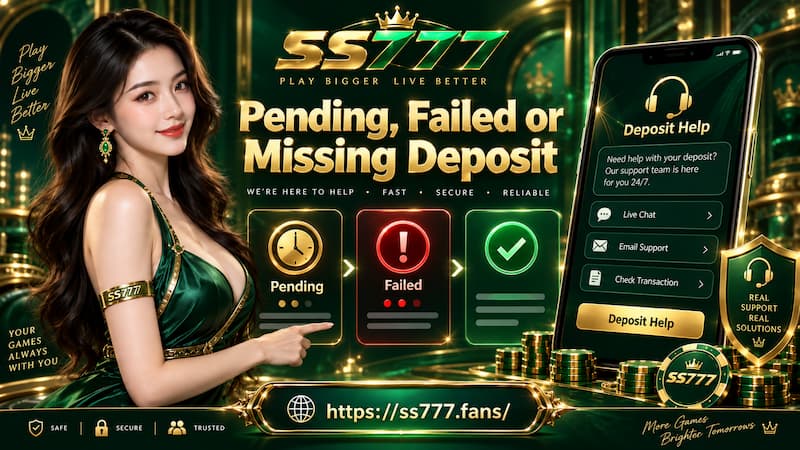
Pending, Failed or Missing Deposit
Payment Failed
A failed payment normally means the transaction was not successfully completed by the wallet, bank, or payment route.
Check whether funds were actually deducted.
If nothing was deducted, return to Deposit and create a new transaction. Starting fresh is safer than repeatedly submitting an expired QR code or old payment instruction.
Deposit Still Pending
A pending transaction needs patience and verification rather than an immediate second payment.
Check both sides:
- Does the payment app show completed, pending, reversed, or failed?
- Has the SS777 balance changed?
- Is there a transaction reference you can preserve?
If the payment is still being processed, avoid duplicating it.
Payment Completed but Balance Is Missing
This situation needs clearer evidence because money has already left the payment account.
Prepare the following information before contacting support:
- Deposit amount
- Payment method
- Transaction ID or reference number
- Exact transaction time
- Payment receipt or screenshot
- Account details needed to locate the Deposit
For example, saying “GCASH-1, ₱1,500, completed at 8:42 PM, transaction reference available” gives support far more to work with than simply reporting that a Deposit is missing.
A Deposit is fully settled when the payment has completed and the correct amount is visible in the intended account balance.